
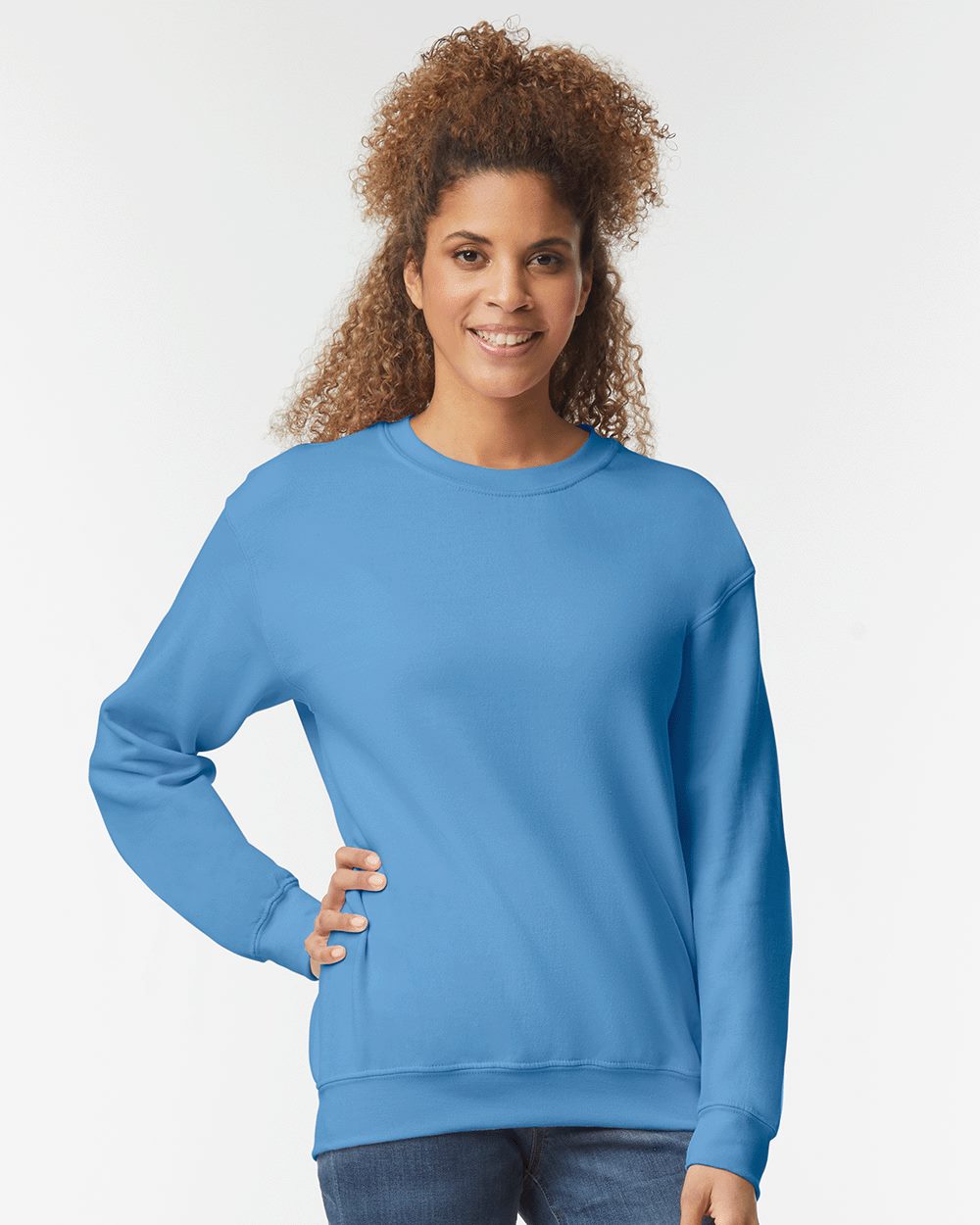
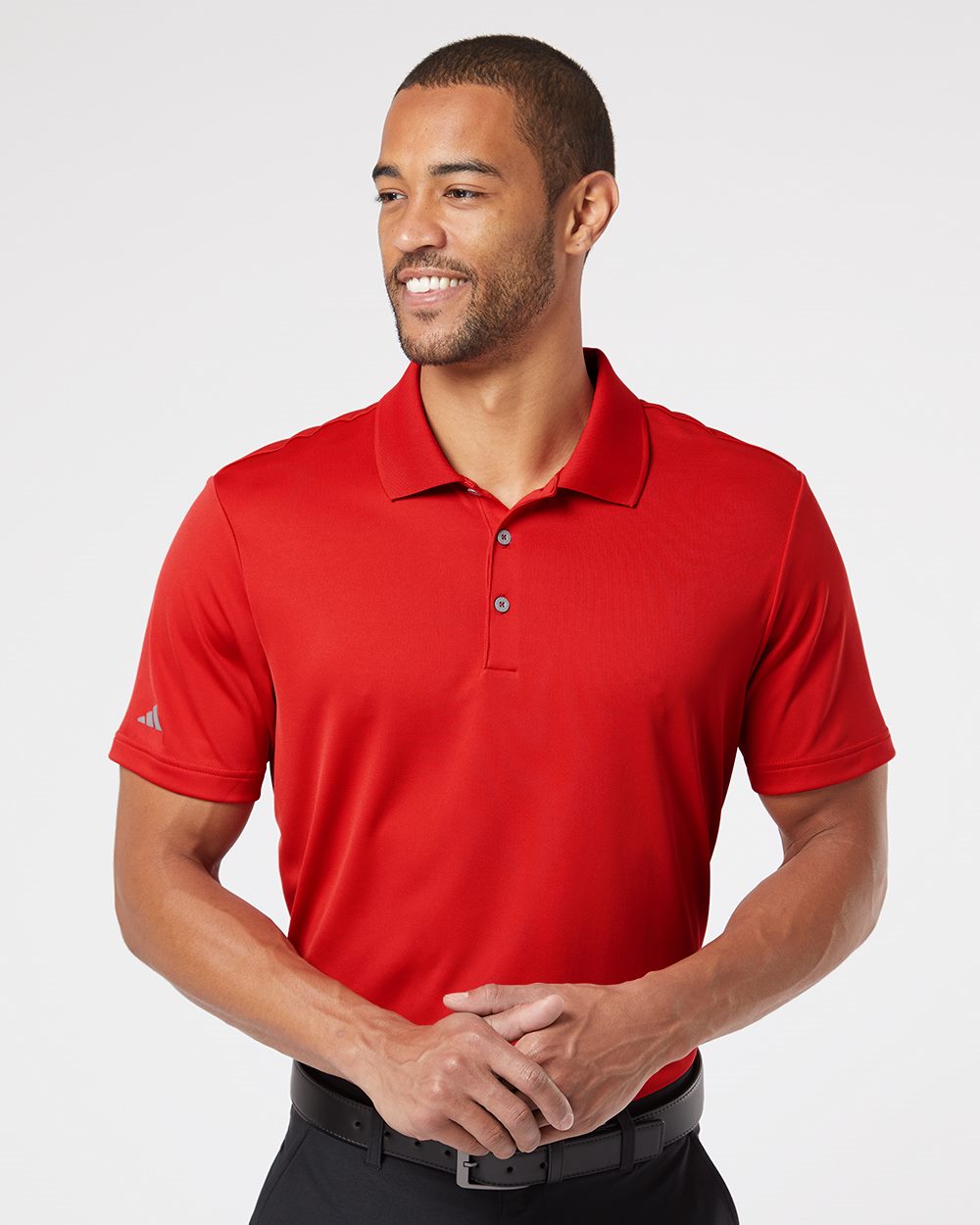
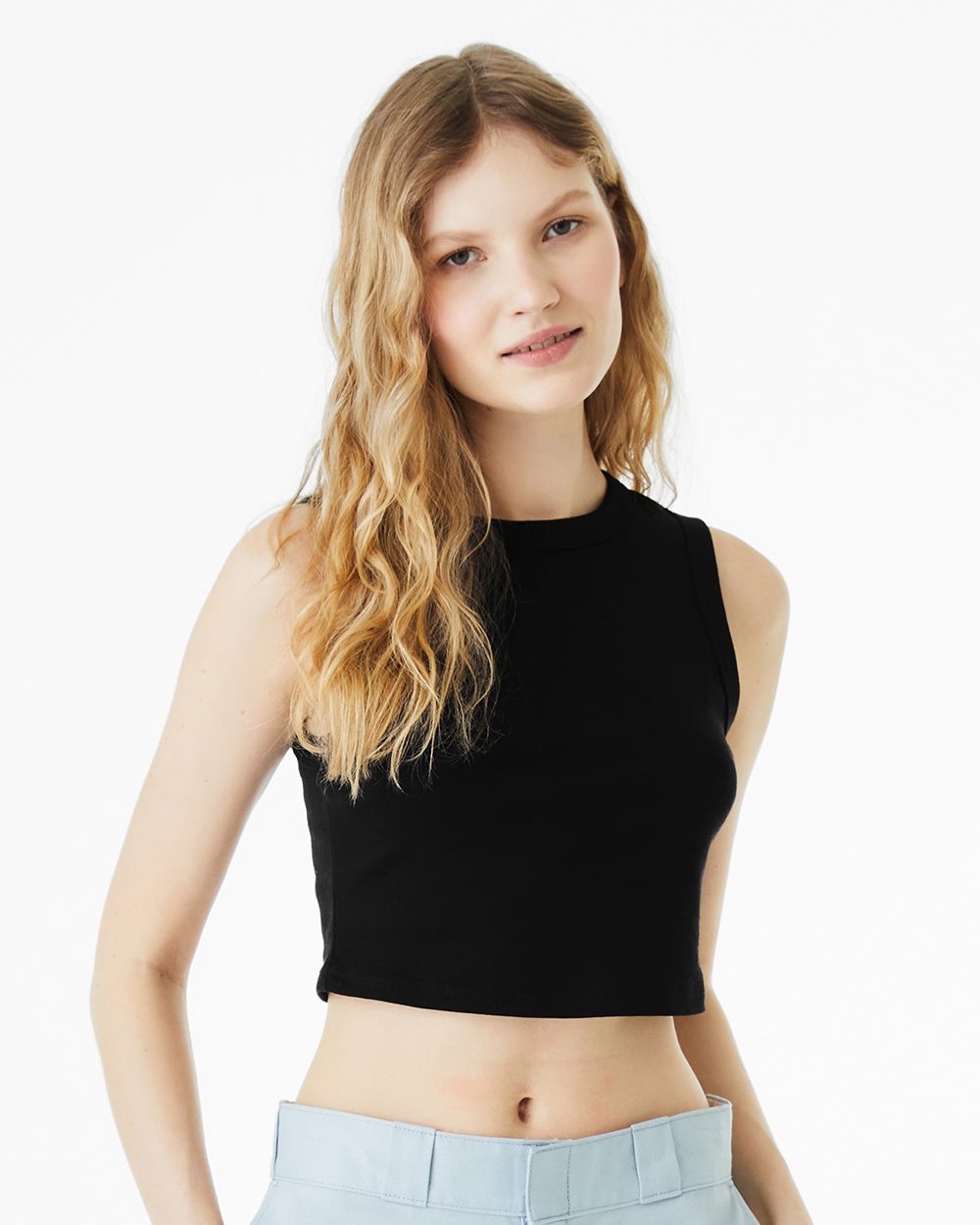
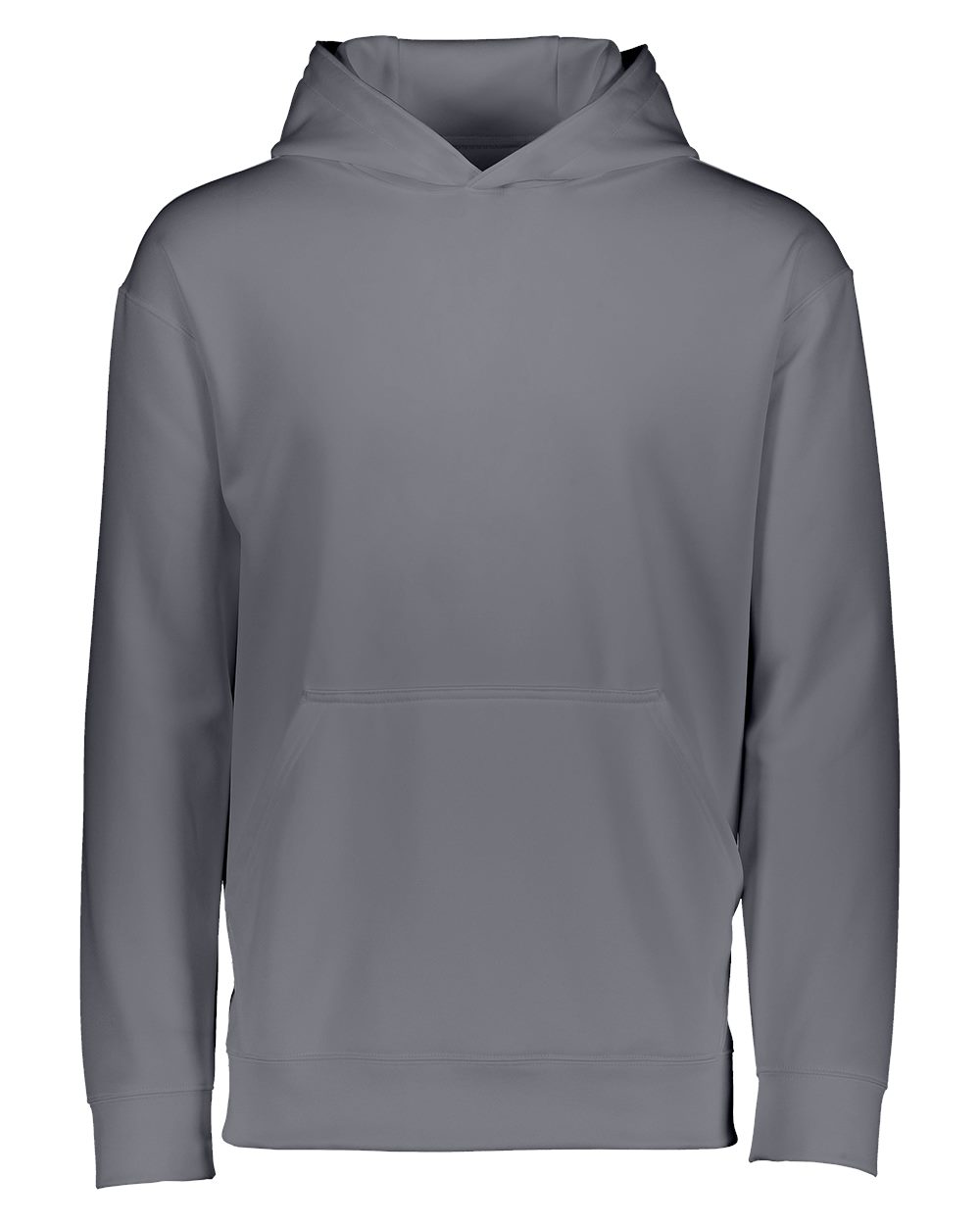
A design that looks great on a laptop can fall flat on a shirt. Fabric has texture, garments have color, and every print method has its own rules. These tips come from what we see on the press every day at our Los Angeles shop.
01. Use contrasting colors
The eye goes straight to contrast. Light ink on a dark shirt, dark ink on a light one, a bright accent against a muted base. When ink and garment are close in value, the design disappears from more than a few feet away.
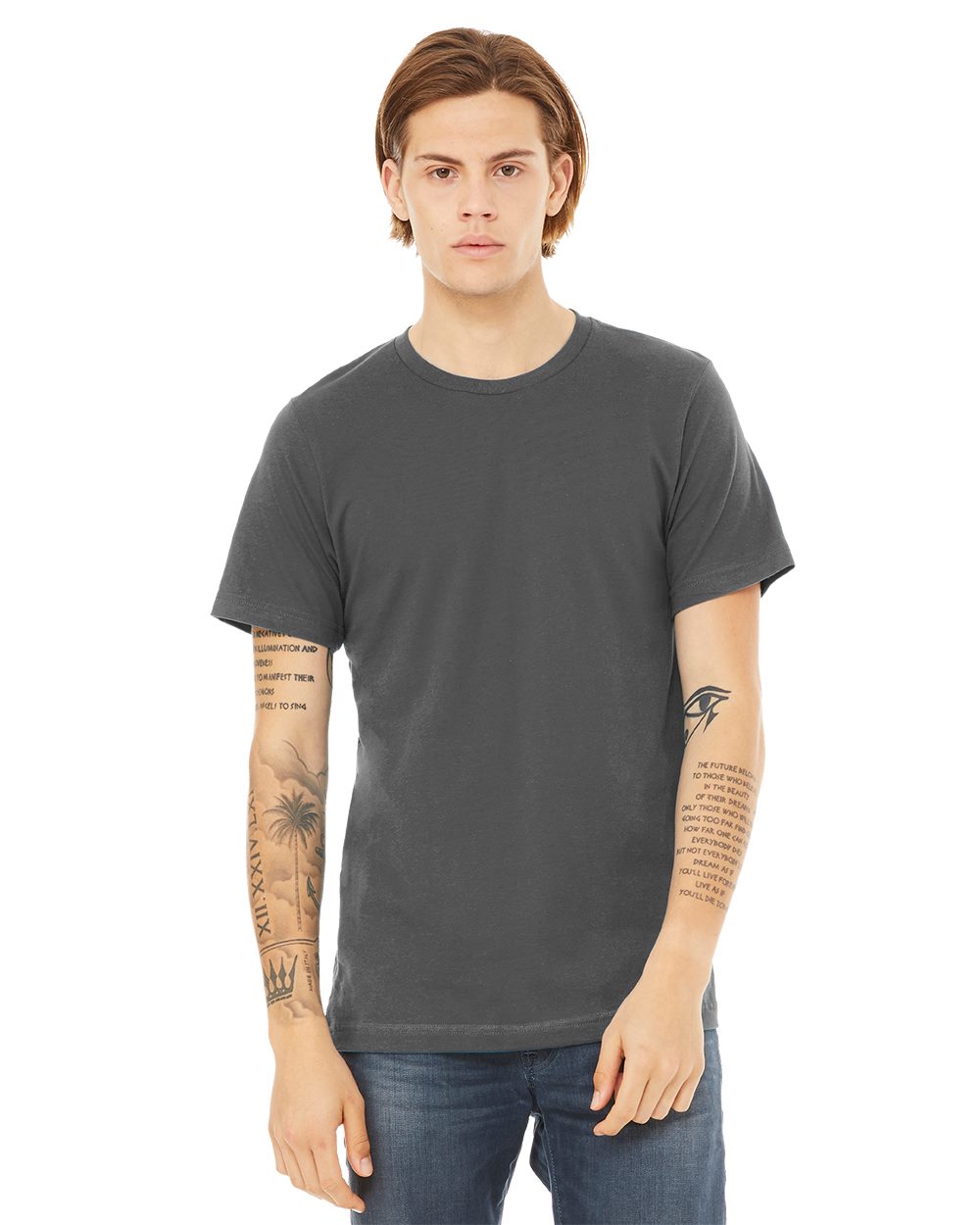
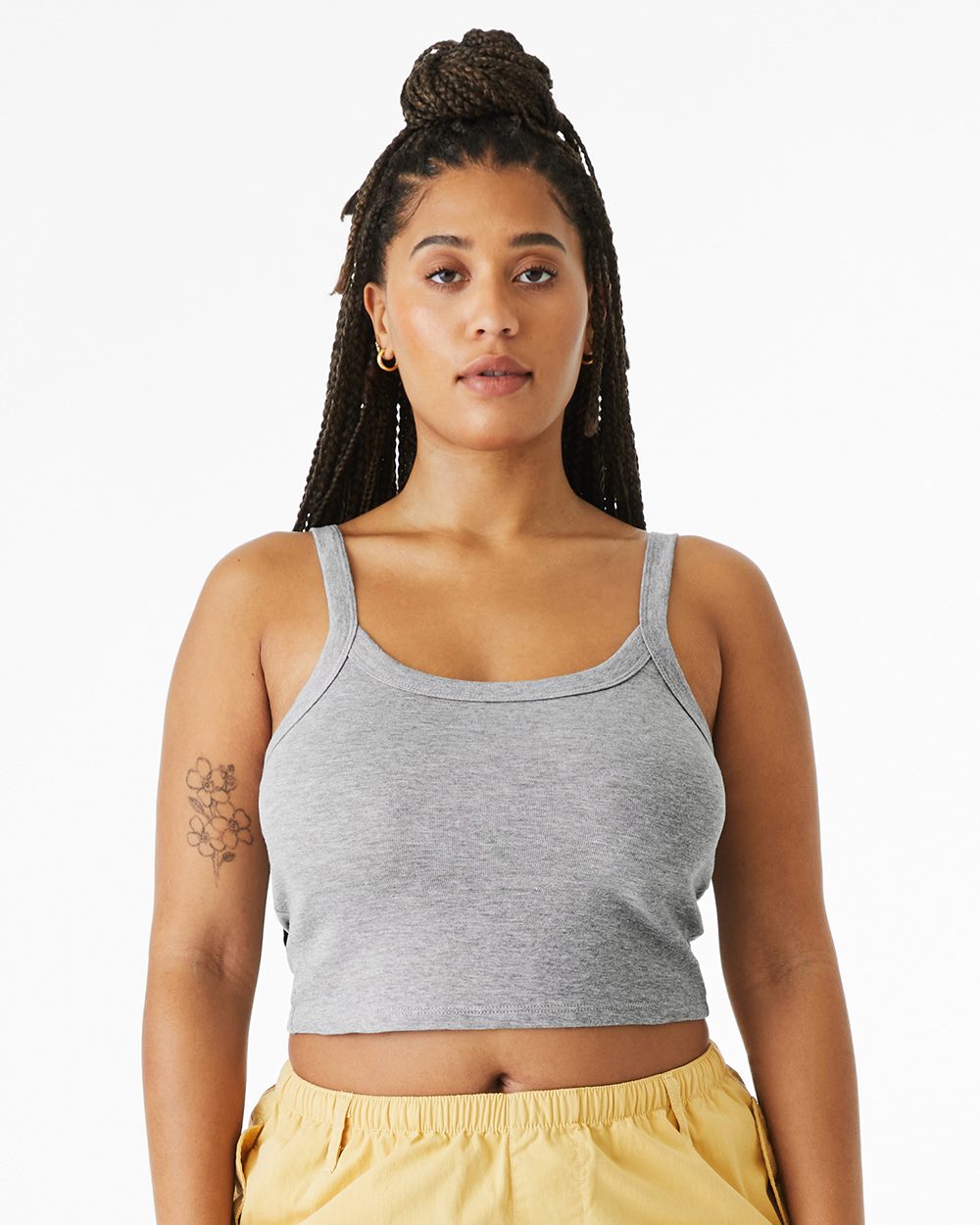
Think about the shirt color as part of the palette, not just the background. A heather gray tee changes how every color on it reads. On dark garments, screen printers usually lay down a white underbase so the colors on top stay bright.
02. Give your text shape
Text does not have to sit in a straight line. Arching, bending or curving words around a graphic makes a layout feel designed instead of typed. Arched text across the chest or wrapped around a circular badge are classic for a reason.
Keep it readable. Very condensed or decorative fonts get hard to read when they are curved and small.
03. Less is more
A shirt is seen in a second or two, often while someone is walking past. One strong idea beats five competing ones. Cut anything that does not help the message.
Fewer colors also matter for cost. In screen printing, each color needs its own screen, so a tight palette is cheaper to print. Many designs hit harder in three, two or even one color.
04. Always think about your audience
Who is wearing this, and where? A run club wants something different from a law firm retreat or a merch table at a show. Your audience shapes the style, the colors, the garment and even the print location.
Ask one question: would someone wear this when they do not have to? If yes, the shirt keeps working long after the event.
05. Be different
Study trends, borrow energy from them, then make your own move. A brand is a story, and a copied design tells someone else’s. Small, specific details, like an inside joke, a neighborhood reference or a hand-drawn element, make a design feel like it belongs to you.
06. Keep it noted
It is easier to pick the best idea from ten than to perfect a single one. Keep a notes file or sketchbook on hand and capture rough ideas as they come. Quick thumbnails are enough. You never know which scribble becomes the shirt.
07. Know your files
How a file is saved changes how it prints. We accept:
- JPG and JPEG
- TIFF
- PSD
- EPS
- AI
- PNG
- BMP
What makes a file print-ready?
Format is only half of it. A few habits make a big difference:
- Send vector when you can. AI, EPS or vector PDF files scale to any size without blurring. They are the cleanest starting point for screen printing and are ideal for embroidery digitizing.
- Send raster files large. If your art is a photo or painting, send it at full size and high resolution. A small image pulled from a website will look soft or blocky when it is enlarged.
- Use a transparent background. A PNG with transparency avoids a white box printing around your design.
- Outline your fonts in vector files, or send the font, so the type does not change.
- Watch the fine details. Hairline strokes and tiny text can fill in or break up on fabric, and they are even harder in thread.
Which method suits my design?
Your art can steer the method:
- Few solid colors, bigger runs: screen printing.
- Photos, gradients or lots of colors: direct-to-garment or direct-to-film.
- Logos on polos, hats and jackets: embroidery.
- Names and numbers: heat transfer vinyl.
Every order gets a free art check before printing, so if something in your file will not print well, we will flag it first.
Got a design ready? Get a free quote.